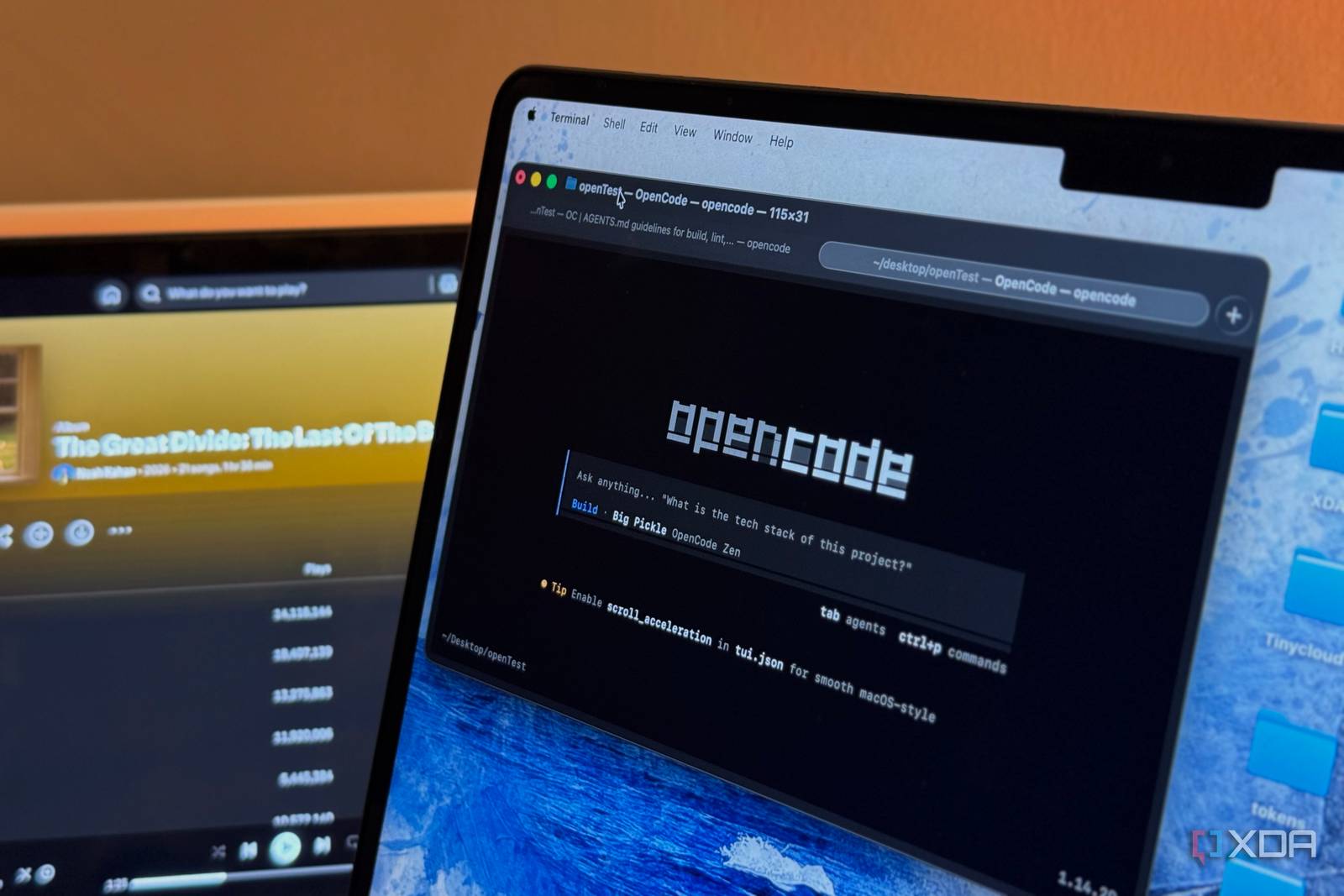
Recent discussions have emerged highlighting the capabilities of OpenCode compared to Claude Code, suggesting a pivotal shift in AI development preferences.
In the competitive landscape of artificial intelligence development, the choice of coding frameworks can significantly impact the effectiveness and efficiency of projects. As industry leaders weigh their options, many are finding that OpenCode stands out as a compelling alternative to Claude Code. A recent analysis revealed that OpenCode offers comparable, if not superior, features that can enhance automation and overall productivity for businesses.
One of the notable advantages of OpenCode is its accessibility and flexibility, which allow developers to tailor solutions to specific organizational needs. This adaptability is increasingly essential in an environment where rapid changes and the need for customization are paramount. Companies that leverage OpenCode are likely to find that they can implement automation strategies more efficiently, ultimately leading to reduced operational costs and improved project timelines.
Furthermore, as organizations strive to implement AI-driven solutions, the importance of a robust coding framework cannot be overstated. OpenCode’s architecture supports seamless integration with various platforms, including Polymarket and OpenClaw, thereby facilitating enhanced data analysis and decision-making capabilities. This integration can be particularly beneficial for organizations looking to harness the power of predictive modeling and real-time data analytics.
Moreover, the community surrounding OpenCode is rapidly expanding, with a focus on collaborative development and shared resources. This vibrant ecosystem encourages innovation and the continuous improvement of the framework, positioning it as a long-term solution for businesses seeking to remain competitive in the AI space. The support available within this community can be invaluable for companies looking to train their teams and maximize the potential of their projects.
Transitioning from Claude Code to OpenCode may initially seem daunting for some organizations, particularly those heavily invested in the former. However, the evidence suggests that the benefits of making such a transition far outweigh the challenges. As more organizations share their success stories and best practices, the momentum behind OpenCode is expected to grow, encouraging other companies to reconsider their current coding strategies.
As this trend continues, it is crucial for CEOs and founders to stay informed about the developments surrounding both OpenCode and Claude Code. The decisions made today regarding coding frameworks will likely shape the trajectory of AI initiatives for years to come. In light of this, organizations must evaluate their options carefully, ensuring that they choose a framework that not only meets their current needs but also positions them for future growth.
Looking ahead, the strategic outlook for the next 6 to 12 months indicates that the adoption of OpenCode will likely accelerate, particularly as organizations seek to enhance their automation capabilities. As more businesses recognize the comparative advantages of OpenCode, we can expect a shift in industry standards that may prompt existing players to innovate further. This evolving landscape will undoubtedly create opportunities for new entrants, as the demand for adaptable and powerful coding frameworks continues to rise.
The recent preference shift towards OpenCode over Claude Code highlights a significant trend in the AI development community. Businesses are increasingly drawn to OpenCode for its modularity and ease of customization, which allows organizations to align their coding practices more closely with their specific operational goals. This adaptability not only enhances productivity but also encourages a culture of innovation, as teams can experiment and iterate on their solutions without being constrained by rigid frameworks. As competition intensifies, companies that embrace OpenCode may find themselves better positioned to respond to market demands and technological advancements.
The integration capabilities of OpenCode with platforms like Polymarket and OpenClaw further underscore its strategic advantage. By enabling organizations to leverage real-time data and predictive analytics, OpenCode empowers decision-makers with actionable insights that can drive business strategies. This synergy between coding frameworks and data platforms is increasingly important, as firms seek to harness the full potential of AI-driven solutions. The ability to create tailored applications that integrate seamlessly with existing systems can catalyze operational efficiencies and enhance responsiveness in dynamic markets.
Strategic Outlook: Over the next 6-12 months, the movement towards OpenCode may accelerate as more businesses recognize the benefits of flexibility and community support. As organizations continue to explore automation and AI integration, the demand for frameworks that facilitate these goals will likely grow. The competitive landscape will prompt ongoing innovation within the OpenCode community, potentially leading to new features and enhancements. For CEOs and founders, staying ahead of this trend will be crucial in ensuring that their organizations remain agile and competitive in the rapidly evolving AI environment.
Source: xda-developers.com.
Related reading: Polymarket Partners with Chainalysis Amid Insider Trading Concerns, Expert Insights on the Future of AI in Business, and Tech Giants Face Scrutiny Over AI Regulation.