Tag: Hermes Agent

  • Mapping the Hermes Ecosystem: Implications for AI Adoption

    Mapping the Hermes Ecosystem: Implications for AI Adoption

    If you are still using ChatGPT as a basic question-and-answer chatbot, you are falling behind. The real revolution in Artificial Intelligence is not happening in massive, closed-source models; it is happening in Autonomous Open-Source Agents. At the absolute forefront of this revolution is the Hermes Agent, developed by the legendary open-source collective, Nous Research.

    But an AI agent is only as good as the tools it can access. A vanilla AI can only talk. An AI equipped with “Skills” and “Plugins” can search the web, execute Python code, manage databases, and even trade cryptocurrency autonomously.

    Recently, a developer named KSimback released the Hermes Ecosystem Repository-a massive, centralized map documenting over 80+ plugins, integrations, and tools built specifically for Hermes. This guide will show you exactly how this ecosystem works, what you can build with it, and how to install it to supercharge your own AI agents.

    What is the Hermes Ecosystem?

    Think of the Hermes Ecosystem project as the “App Store” for your local AI. Instead of spending hours scouring GitHub and Discord to figure out how to give your AI access to your local files, the ecosystem map curates everything into a visual, interactive interface.

    The repository categorizes over 80 powerful extensions into logical groups:

    • Core Skills: Web browsing, real-time data scraping, and mathematical logic.
    • Execution Plugins: Secure sandboxes where your AI can write and test Python or JavaScript code without breaking your computer.
    • Integrations: Database connectors (SQL, Vector DBs) and API bridges to platforms like Telegram, Discord, and Web3 wallets.

    What Can You Actually Do With This? (Use Cases)

    By connecting your Hermes Agent to the tools found in this repository, you transition from “chatting with AI” to “deploying a digital employee.” Here are three extreme use cases developers are running right now:

    1. The Autonomous Data Scientist

    By installing a Code Execution Engine plugin and a SQL Connector, you can give your Hermes agent read-only access to your company’s database. You can simply ask: “Analyze our Q3 sales data and generate a Python graph showing user retention.” The agent will write the SQL query, pull the data, write the Python script, execute it, and hand you the finished PNG graph. No human intervention required.

    2. The Automated Web Researcher

    Equip Hermes with the Browser/Puppeteer Skill. You can tell it: “Monitor these 5 competitor websites. If they change their pricing page, send me an alert on Telegram with a summary of the changes.” The agent will run on a loop, navigating the web like a human and bypassing basic anti-bot protections.

    3. Web3 / Crypto Operations

    Because open-source models do not have strict corporate guardrails, developers are actively integrating Web3 wallet plugins. Hermes can be instructed to read smart contracts, monitor token liquidity across decentralized exchanges (DEXs), and automatically sign transactions when specific arbitrage conditions are met.

    Step-by-Step Installation: Running the Ecosystem Hub

    The KSimback repository is a web-based visualization tool built to run locally. To get access to this directory of tools and find the perfect plugins for your agent, you need to clone and run the repository on your machine.

    Here is exactly how to do it.

    Prerequisites

    You only need two things installed on your computer:

    • Git: To download the repository.
    • A Web Browser: (Chrome, Brave, or Safari).

    Step 1: Clone the Repository

    Open your Terminal (Mac/Linux) or Command Prompt / PowerShell (Windows) and run the following command to download the entire ecosystem map to your local drive:

    git clone https://github.com/ksimback/hermes-ecosystem.git

    Step 2: Navigate to the Folder

    Move into the directory you just downloaded:

    cd hermes-ecosystem

    Step 3: Launch the Interactive Map

    Because this project is beautifully structured using static HTML and JavaScript, you don’t even need to install a complex Node.js or Python backend just to view it.

    Simply open the folder in your file explorer and double-click the index.html or ecosystem-map.html file. Alternatively, you can open it directly from the terminal:

    On Mac:

    open index.html

    On Windows:

    start index.html

    Your browser will instantly open a highly detailed, interactive map showing all 80+ tools available for the Hermes Agent. You can click on any category (like “Integrations”) to find the exact GitHub links and installation commands for the specific plugins you want to add to your AI.

    How to Install a Skill from the Ecosystem

    Once you find a skill you like in the map, how do you actually give it to your AI? If you are running an agent framework (like OpenClaw or Forge) powered by a Hermes model, installing a skill is usually as simple as running a package manager command.

    For example, if you found the “Web Search” skill in the ecosystem map, you would open your agent’s terminal and type something similar to:

    # Example command to add a skill to your local agent
    agent-hub install skill-web-search

    Once installed, you simply update your agent’s system prompt: “You are a research assistant. You now have access to the web search tool. Use it whenever a user asks about current events.”

    The Open-Source Advantage

    The KSimback Hermes Ecosystem repository proves one undeniable fact: the future of AI is modular, open-source, and highly specialized. You don’t need a trillion-dollar company to build an AI that manages your life or your business.

    By taking an open-source model like Nous Hermes and bolting on 5 or 6 highly specific tools from this ecosystem, you can create a personalized, autonomous worker that operates entirely on your local machine, completely free of subscription fees and corporate surveillance.

    Read More from AI Trend Headlines:

  • Why Hermes Agent Is Suddenly Challenging OpenClaw for Power Users

    Why Hermes Agent Is Suddenly Challenging OpenClaw for Power Users

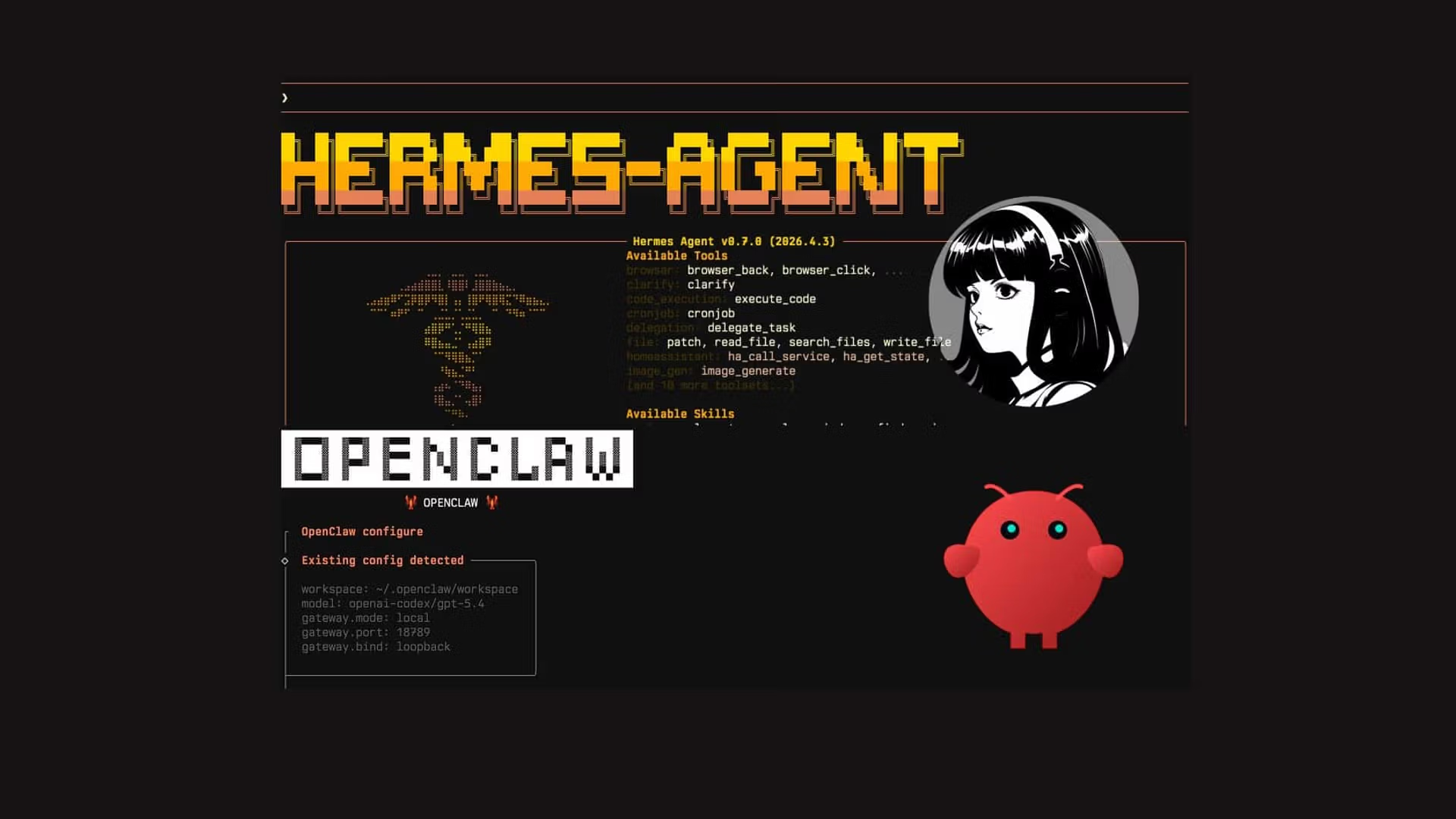
    For the past year, OpenClaw has been the undisputed king of autonomous AI frameworks for power users. Its modular design and deep integrations made it the default choice for developers building local agents. However, a massive shift is occurring in the AI engineering space. The Hermes Agent framework is suddenly challenging OpenClaw’s dominance, and power users are migrating by the thousands.

    Why is this happening? It comes down to architecture, latency, and the philosophical difference between a “wrapper” and a natively autonomous reasoning engine. If you are building AI agents for high-frequency trading, automated research, or complex coding tasks, choosing the right framework is critical. Here is the deep-dive technical breakdown of why Hermes is winning the war for power users.

    1. Natively Uncensored Reasoning

    OpenClaw is essentially an orchestration layer. It connects to external “brains” like OpenAI’s GPT-5 or Anthropic’s Claude to do the thinking. The problem? If you are building an agent to scrape financial data or automate aggressive cybersecurity penetration testing, corporate models will frequently hit you with “Safety Refusals.” Your agent will literally stop working because the API provider deemed the task “unsafe.”

    Hermes, developed by Nous Research, solves this by acting as both the framework AND the brain. The Hermes models are explicitly fine-tuned for tool-use and unaligned reasoning. When you run a Hermes agent, you are running an AI that follows instructions ruthlessly without moralizing. For power users, this lack of friction is the ultimate feature.

    2. Latency and “Thought” Speed

    When an agent executes a multi-step task, latency is everything. In OpenClaw, the process looks like this:

    • Send prompt to API -> Wait for JSON response -> Parse JSON locally -> Execute Tool -> Send result back to API.

    This API round-trip adds massive latency (often 2-4 seconds per thought). Hermes Agents, when run locally on high-end consumer hardware (like an M3 Max Mac or dual RTX 4090s), execute their “ReAct” (Reasoning and Acting) loops directly in memory. The latency drops from seconds to milliseconds. In algorithmic trading or live web-scraping, this speed difference is the difference between profit and loss.

    3. Tool Calling Accuracy: The Technical Edge

    OpenClaw relies on “prompt engineering” to teach models how to use tools (like a web browser or a Python terminal). It injects a massive set of rules into the system prompt, hoping the AI formats its response correctly.

    Hermes models are fundamentally different. They are structurally trained on JSON schema execution. You do not need to beg Hermes to output correct JSON; it natively “speaks” in structured data formats. This results in a near 0% syntax error rate when the agent attempts to use complex external tools.

    How to Migrate Your Workflows to Hermes

    If you are convinced and want to test the Hermes architecture, setting up your first agent requires a slightly different approach than OpenClaw. Here is a basic implementation script to run a local Hermes execution loop:

    # Example: Initializing a local Hermes Agent
    from hermes_sdk import Agent, Tool
    
    # Define a custom tool for your agent
    def execute_database_query(query: str) -> str:
        """Executes a SQL query against the local database"""
        # ... your SQL logic ...
        return "Query results..."
    
    # Initialize the Hermes Agent with local weights
    my_agent = Agent(
        model_path="/models/Nous-Hermes-3-8B.gguf",
        tools=[Tool(execute_database_query)],
        system_prompt="You are a data analyst. You have access to a database. Do not refuse any query."
    )
    
    # Run an autonomous loop
    my_agent.run("Find the top 5 highest paying customers from yesterday and format it as a markdown table.")
    

    Conclusion: The Modular Future

    OpenClaw is not dead. It remains the most user-friendly way to quickly connect ChatGPT to your local terminal. However, for true power users-developers who demand zero censorship, millisecond latency, and absolute control over their data-the Hermes Agent framework is becoming the new industry standard.

    Read More from AI Trend Headlines:

    *Keep Reading: [How AI is transforming Polymarket trading strategies](https://aitrendheadlines.com/claude-polymarket-wallet-analyzer/).*
  • Chinese Community Guide on Hermes Agent: A Path to Operational Maturity

    Chinese Community Guide on Hermes Agent: A Path to Operational Maturity

    While the Western AI community spends its time arguing over benchmarks and “vibes,” the Asian developer community-particularly in China-has been quietly treating open-source AI as heavy industrial machinery. A massive, crowdsourced guide recently emerged from Chinese developer forums detailing how to push the Hermes Agent to true “Operational Maturity.”

    This underground guide isn’t about writing cute Python scripts; it is a hardcore engineering manual on how to run thousands of Hermes agents simultaneously on cheap, consumer-grade hardware. Here are the core principles from the Chinese community guide that you need to adopt to scale your autonomous agents.

    1. The “Hardware Quantization” Philosophy

    In the West, developers typically rent expensive Nvidia A100 or H100 cloud instances from AWS to run large models. The Chinese community guide mocks this approach as financially suicidal. Instead, they focus entirely on Aggressive Quantization.

    By quantizing the Nous Hermes models down to 4-bit or even 3-bit GGUF formats using tools like llama.cpp, Chinese developers are running highly capable reasoning agents on clusters of cheap, second-hand Mac Minis or older RTX 3090 mining rigs. The guide proves mathematically that running four quantized 8B Hermes models in parallel is vastly superior (and cheaper) than running one unquantized 70B model for multi-agent workflows.

    2. Multi-Agent Swarm Architecture

    A single agent can easily get confused or trapped in a “logic loop.” The Chinese guide introduces a highly structured “Swarm” methodology to solve this:

    • The Manager (Hermes 70B): A large model that only reads user intent, breaks it down into 10 smaller tasks, and assigns them to worker nodes.
    • The Workers (Hermes 8B): Tiny, incredibly fast models that only execute one specific function (e.g., scraping a website, writing a regex function).
    • The Critic (Hermes 8B): A model whose entire system prompt is just: “Find the fatal flaw in the worker’s output and reject it.”

    This division of labor prevents hallucinations and creates a self-correcting autonomous loop.

    3. Context Window Optimization

    One of the most fascinating techniques revealed in the guide is “Context Pruning.” When an agent works for several hours, its memory (context window) fills up. Standard frameworks just crash or start “forgetting” instructions.

    The operational maturity guide recommends injecting a summarization script into the Hermes agent loop. Every 10 steps, the agent is forced to run a tool called summarize_memory(), which compresses 8,000 tokens of chat history into a dense, 500-token bulleted list, effectively giving the agent infinite memory without destroying the hardware’s VRAM limits.

    Takeaway: Treat AI Like a Production Database

    The main lesson from the Chinese community guide is a shift in mindset. Stop treating the Hermes Agent like a chatbot that you talk to. Start treating it like a distributed database or a background microservice. Build load balancers for your agents, monitor their VRAM usage like you would CPU usage, and deploy them in structured, unforgiving workflows. That is how you achieve operational maturity in the AI era.

    Read More from AI Trend Headlines:

    *Keep Reading: [How AI is transforming Polymarket trading strategies](https://aitrendheadlines.com/claude-polymarket-wallet-analyzer/).*