
Tag: hermes

  • Enhancing Hermes: Competing with ChatGPT and Claude

    Enhancing Hermes: Competing with ChatGPT and Claude

    Explore how to optimize Hermes with community-built GUIs, setting a new standard against AI leaders like ChatGPT and Claude.

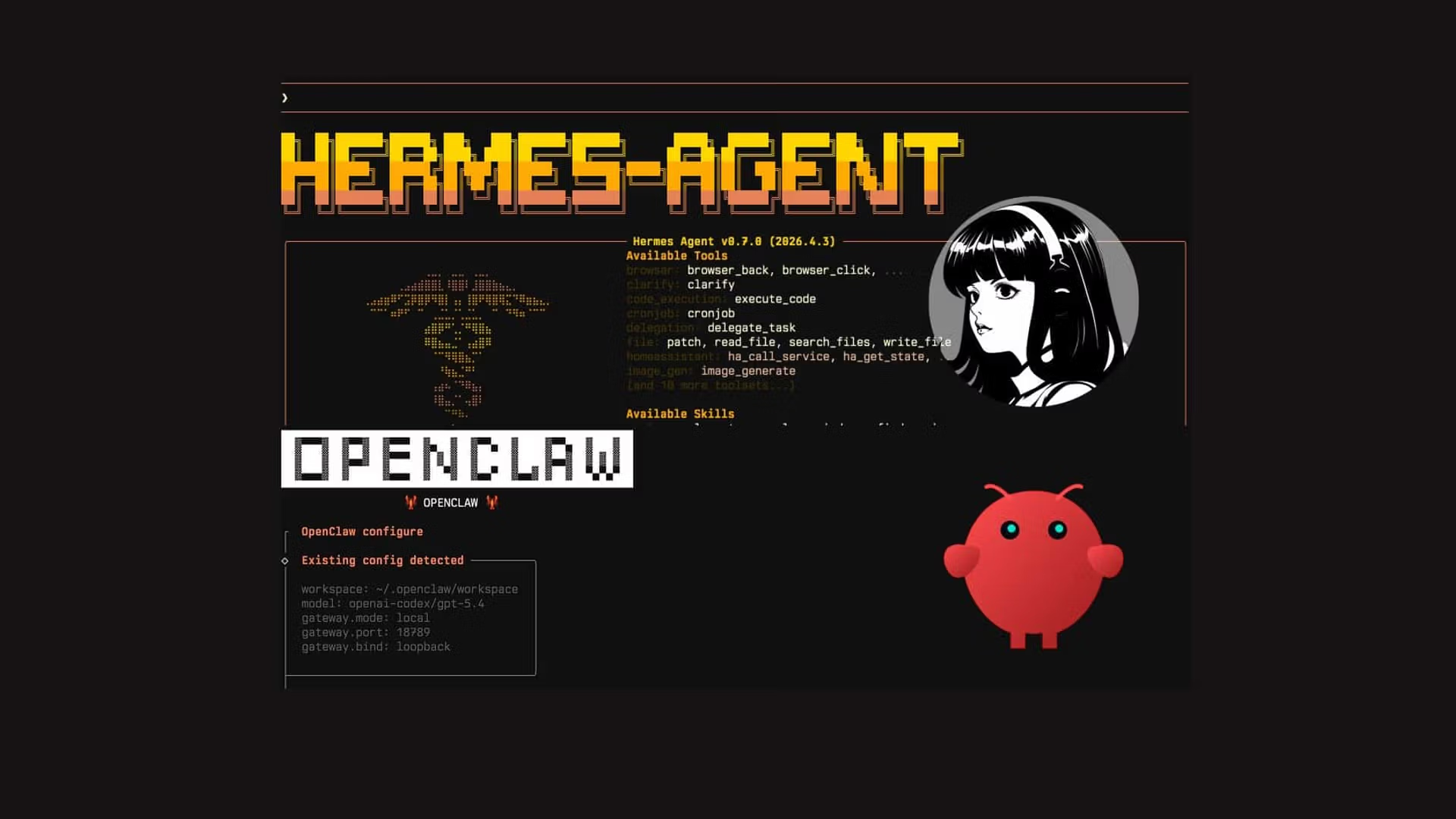
    The recent installation of Hermes has sparked discussions about its potential to rival established AI platforms such as ChatGPT and Claude. While the terminal functionalities of Hermes are commendable, the real challenge lies in enhancing its user interface to elevate user experience. Community-driven initiatives have produced several graphical user interfaces (GUIs) that not only improve usability but also broaden the appeal of Hermes to a wider audience of business professionals.

    The selection of GUIs available for Hermes reflects a growing trend in the AI landscape where user experience is paramount. The development community has rallied to create interfaces that simplify interactions and streamline workflows. These GUIs are designed to make engaging with Hermes not just functional but also intuitive, drawing on the best practices seen in leading platforms like ChatGPT. This is crucial for business operators who seek efficiency and ease of use in their AI tools.

    As the AI market matures, the importance of aesthetics and user-friendly design cannot be overstated. The GUIs developed for Hermes offer features such as customizable dashboards, enhanced visualization tools, and seamless integration with other applications. This positions Hermes as a formidable contender in the automation space, especially for companies looking to implement AI-driven solutions without the steep learning curve often associated with traditional platforms.

    The implications of these advancements extend beyond mere aesthetics. A more visually appealing and functional Hermes can significantly enhance productivity within organizations. By reducing the time spent navigating complex interfaces, employees can focus more on strategic decision-making and less on technical troubleshooting. This aligns with the broader trend of leveraging AI to drive efficiency and innovation in business operations.

    Moreover, as companies increasingly adopt AI technologies, the competitive landscape will become more pronounced. Platforms like Polymarket and OpenClaw are also evolving, emphasizing the need for Hermes to continually refine its offerings. The ability to attract users from these platforms will hinge not only on performance but also on the overall user experience. If Hermes can effectively integrate these community-built GUIs, it may well position itself as a preferred choice in the enterprise market.

    Looking ahead, the strategic outlook for Hermes over the next six to twelve months is promising yet challenging. As businesses continue to explore automation solutions, the demand for user-friendly AI tools will only increase. Companies that invest in optimizing their AI interfaces will likely see improved user adoption and satisfaction. For Hermes, this means not only maintaining the momentum generated by its recent installations but also actively promoting the available GUIs to ensure potential users are aware of their benefits.

    In conclusion, while Hermes has made significant strides with its core functionality, the key to its success in a competitive market lies in its ability to present a compelling user experience. By embracing the innovations brought forth by its community and continuously enhancing its interfaces, Hermes can carve out a significant space in the AI landscape, standing shoulder to shoulder with major players like ChatGPT and Claude.

    The emergence of Hermes is not just a technical advancement; it represents a shift in how businesses perceive and utilize AI tools. As organizations increasingly rely on automation, the demand for user-centric designs grows. The community’s response in developing GUIs for Hermes illustrates a proactive approach to addressing this need. These enhancements are crucial for fostering wider adoption among business leaders who prioritize operational efficiency and ease of use. A sophisticated interface can facilitate smoother interactions with AI, ultimately driving better outcomes in decision-making processes and strategic initiatives.

    Furthermore, the competitive dynamics in the AI sector are intensifying. With platforms like Polymarket and OpenClaw actively engaging in innovations that enhance their user experience, the bar is being raised for all players in the market. The development of Hermes GUIs not only positions it as a viable alternative to ChatGPT and Claude but also encourages other platforms to prioritize user experience. This competition will likely lead to accelerated advancements in AI technologies, compelling companies to adopt more agile and adaptable solutions to maintain their competitive edge.

    Strategic Outlook: Looking ahead, the next 6 to 12 months will be critical for Hermes and its community-driven initiatives. As businesses seek to integrate AI solutions that deliver tangible results, the emphasis on user experience will shape product development across the industry. The ability of Hermes to sustain and enhance its appeal through continuous improvements will be a key factor in its success. Companies that leverage these advancements effectively may find themselves at the forefront of operational excellence, driving innovation while maximizing productivity and efficiency.

    Source: decrypt.co.

    Related reading: Polymarket Partners with Chainalysis Amid Insider Trading Concerns, The Future of Claude: A Shift Away from Pro Users, and Study Reveals Price Setting Dynamics on Polymarket Favoring Elite Users.
  • Mapping the Hermes Ecosystem: Implications for AI Adoption

    Mapping the Hermes Ecosystem: Implications for AI Adoption

    If you are still using ChatGPT as a basic question-and-answer chatbot, you are falling behind. The real revolution in Artificial Intelligence is not happening in massive, closed-source models; it is happening in Autonomous Open-Source Agents. At the absolute forefront of this revolution is the Hermes Agent, developed by the legendary open-source collective, Nous Research.

    But an AI agent is only as good as the tools it can access. A vanilla AI can only talk. An AI equipped with “Skills” and “Plugins” can search the web, execute Python code, manage databases, and even trade cryptocurrency autonomously.

    Recently, a developer named KSimback released the Hermes Ecosystem Repository-a massive, centralized map documenting over 80+ plugins, integrations, and tools built specifically for Hermes. This guide will show you exactly how this ecosystem works, what you can build with it, and how to install it to supercharge your own AI agents.

    What is the Hermes Ecosystem?

    Think of the Hermes Ecosystem project as the “App Store” for your local AI. Instead of spending hours scouring GitHub and Discord to figure out how to give your AI access to your local files, the ecosystem map curates everything into a visual, interactive interface.

    The repository categorizes over 80 powerful extensions into logical groups:

    • Core Skills: Web browsing, real-time data scraping, and mathematical logic.
    • Execution Plugins: Secure sandboxes where your AI can write and test Python or JavaScript code without breaking your computer.
    • Integrations: Database connectors (SQL, Vector DBs) and API bridges to platforms like Telegram, Discord, and Web3 wallets.

    What Can You Actually Do With This? (Use Cases)

    By connecting your Hermes Agent to the tools found in this repository, you transition from “chatting with AI” to “deploying a digital employee.” Here are three extreme use cases developers are running right now:

    1. The Autonomous Data Scientist

    By installing a Code Execution Engine plugin and a SQL Connector, you can give your Hermes agent read-only access to your company’s database. You can simply ask: “Analyze our Q3 sales data and generate a Python graph showing user retention.” The agent will write the SQL query, pull the data, write the Python script, execute it, and hand you the finished PNG graph. No human intervention required.

    2. The Automated Web Researcher

    Equip Hermes with the Browser/Puppeteer Skill. You can tell it: “Monitor these 5 competitor websites. If they change their pricing page, send me an alert on Telegram with a summary of the changes.” The agent will run on a loop, navigating the web like a human and bypassing basic anti-bot protections.

    3. Web3 / Crypto Operations

    Because open-source models do not have strict corporate guardrails, developers are actively integrating Web3 wallet plugins. Hermes can be instructed to read smart contracts, monitor token liquidity across decentralized exchanges (DEXs), and automatically sign transactions when specific arbitrage conditions are met.

    Step-by-Step Installation: Running the Ecosystem Hub

    The KSimback repository is a web-based visualization tool built to run locally. To get access to this directory of tools and find the perfect plugins for your agent, you need to clone and run the repository on your machine.

    Here is exactly how to do it.

    Prerequisites

    You only need two things installed on your computer:

    • Git: To download the repository.
    • A Web Browser: (Chrome, Brave, or Safari).

    Step 1: Clone the Repository

    Open your Terminal (Mac/Linux) or Command Prompt / PowerShell (Windows) and run the following command to download the entire ecosystem map to your local drive:

    git clone https://github.com/ksimback/hermes-ecosystem.git

    Step 2: Navigate to the Folder

    Move into the directory you just downloaded:

    cd hermes-ecosystem

    Step 3: Launch the Interactive Map

    Because this project is beautifully structured using static HTML and JavaScript, you don’t even need to install a complex Node.js or Python backend just to view it.

    Simply open the folder in your file explorer and double-click the index.html or ecosystem-map.html file. Alternatively, you can open it directly from the terminal:

    On Mac:

    open index.html

    On Windows:

    start index.html

    Your browser will instantly open a highly detailed, interactive map showing all 80+ tools available for the Hermes Agent. You can click on any category (like “Integrations”) to find the exact GitHub links and installation commands for the specific plugins you want to add to your AI.

    How to Install a Skill from the Ecosystem

    Once you find a skill you like in the map, how do you actually give it to your AI? If you are running an agent framework (like OpenClaw or Forge) powered by a Hermes model, installing a skill is usually as simple as running a package manager command.

    For example, if you found the “Web Search” skill in the ecosystem map, you would open your agent’s terminal and type something similar to:

    # Example command to add a skill to your local agent
    agent-hub install skill-web-search

    Once installed, you simply update your agent’s system prompt: “You are a research assistant. You now have access to the web search tool. Use it whenever a user asks about current events.”

    The Open-Source Advantage

    The KSimback Hermes Ecosystem repository proves one undeniable fact: the future of AI is modular, open-source, and highly specialized. You don’t need a trillion-dollar company to build an AI that manages your life or your business.

    By taking an open-source model like Nous Hermes and bolting on 5 or 6 highly specific tools from this ecosystem, you can create a personalized, autonomous worker that operates entirely on your local machine, completely free of subscription fees and corporate surveillance.

    Read More from AI Trend Headlines: