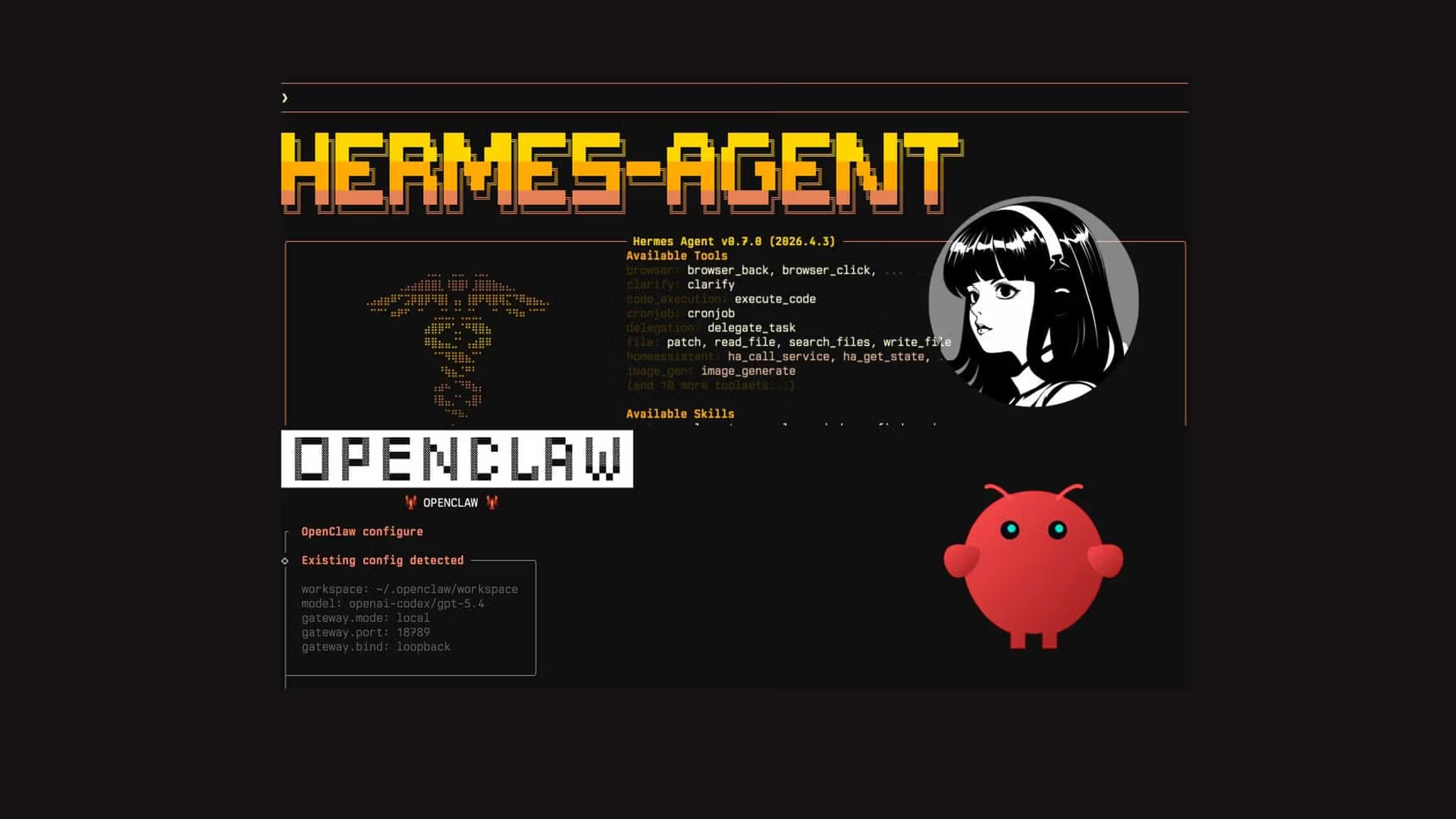
If you are still using ChatGPT as a basic question-and-answer chatbot, you are falling behind. The real revolution in Artificial Intelligence is not happening in massive, closed-source models; it is happening in Autonomous Open-Source Agents. At the absolute forefront of this revolution is the Hermes Agent, developed by the legendary open-source collective, Nous Research.
But an AI agent is only as good as the tools it can access. A vanilla AI can only talk. An AI equipped with “Skills” and “Plugins” can search the web, execute Python code, manage databases, and even trade cryptocurrency autonomously.
Recently, a developer named KSimback released the Hermes Ecosystem Repository-a massive, centralized map documenting over 80+ plugins, integrations, and tools built specifically for Hermes. This guide will show you exactly how this ecosystem works, what you can build with it, and how to install it to supercharge your own AI agents.
What is the Hermes Ecosystem?
Think of the Hermes Ecosystem project as the “App Store” for your local AI. Instead of spending hours scouring GitHub and Discord to figure out how to give your AI access to your local files, the ecosystem map curates everything into a visual, interactive interface.
The repository categorizes over 80 powerful extensions into logical groups:
- Core Skills: Web browsing, real-time data scraping, and mathematical logic.
- Execution Plugins: Secure sandboxes where your AI can write and test Python or JavaScript code without breaking your computer.
- Integrations: Database connectors (SQL, Vector DBs) and API bridges to platforms like Telegram, Discord, and Web3 wallets.
What Can You Actually Do With This? (Use Cases)
By connecting your Hermes Agent to the tools found in this repository, you transition from “chatting with AI” to “deploying a digital employee.” Here are three extreme use cases developers are running right now:
1. The Autonomous Data Scientist
By installing a Code Execution Engine plugin and a SQL Connector, you can give your Hermes agent read-only access to your company’s database. You can simply ask: “Analyze our Q3 sales data and generate a Python graph showing user retention.” The agent will write the SQL query, pull the data, write the Python script, execute it, and hand you the finished PNG graph. No human intervention required.
2. The Automated Web Researcher
Equip Hermes with the Browser/Puppeteer Skill. You can tell it: “Monitor these 5 competitor websites. If they change their pricing page, send me an alert on Telegram with a summary of the changes.” The agent will run on a loop, navigating the web like a human and bypassing basic anti-bot protections.
3. Web3 / Crypto Operations
Because open-source models do not have strict corporate guardrails, developers are actively integrating Web3 wallet plugins. Hermes can be instructed to read smart contracts, monitor token liquidity across decentralized exchanges (DEXs), and automatically sign transactions when specific arbitrage conditions are met.
Step-by-Step Installation: Running the Ecosystem Hub
The KSimback repository is a web-based visualization tool built to run locally. To get access to this directory of tools and find the perfect plugins for your agent, you need to clone and run the repository on your machine.
Here is exactly how to do it.
Prerequisites
You only need two things installed on your computer:
- Git: To download the repository.
- A Web Browser: (Chrome, Brave, or Safari).
Step 1: Clone the Repository
Open your Terminal (Mac/Linux) or Command Prompt / PowerShell (Windows) and run the following command to download the entire ecosystem map to your local drive:
git clone https://github.com/ksimback/hermes-ecosystem.gitStep 2: Navigate to the Folder
Move into the directory you just downloaded:
cd hermes-ecosystemStep 3: Launch the Interactive Map
Because this project is beautifully structured using static HTML and JavaScript, you don’t even need to install a complex Node.js or Python backend just to view it.
Simply open the folder in your file explorer and double-click the index.html or ecosystem-map.html file. Alternatively, you can open it directly from the terminal:
On Mac:
open index.htmlOn Windows:
start index.htmlYour browser will instantly open a highly detailed, interactive map showing all 80+ tools available for the Hermes Agent. You can click on any category (like “Integrations”) to find the exact GitHub links and installation commands for the specific plugins you want to add to your AI.
How to Install a Skill from the Ecosystem
Once you find a skill you like in the map, how do you actually give it to your AI? If you are running an agent framework (like OpenClaw or Forge) powered by a Hermes model, installing a skill is usually as simple as running a package manager command.
For example, if you found the “Web Search” skill in the ecosystem map, you would open your agent’s terminal and type something similar to:
# Example command to add a skill to your local agent
agent-hub install skill-web-search
Once installed, you simply update your agent’s system prompt: “You are a research assistant. You now have access to the web search tool. Use it whenever a user asks about current events.”
The Open-Source Advantage
The KSimback Hermes Ecosystem repository proves one undeniable fact: the future of AI is modular, open-source, and highly specialized. You don’t need a trillion-dollar company to build an AI that manages your life or your business.
By taking an open-source model like Nous Hermes and bolting on 5 or 6 highly specific tools from this ecosystem, you can create a personalized, autonomous worker that operates entirely on your local machine, completely free of subscription fees and corporate surveillance.
Leave a Reply