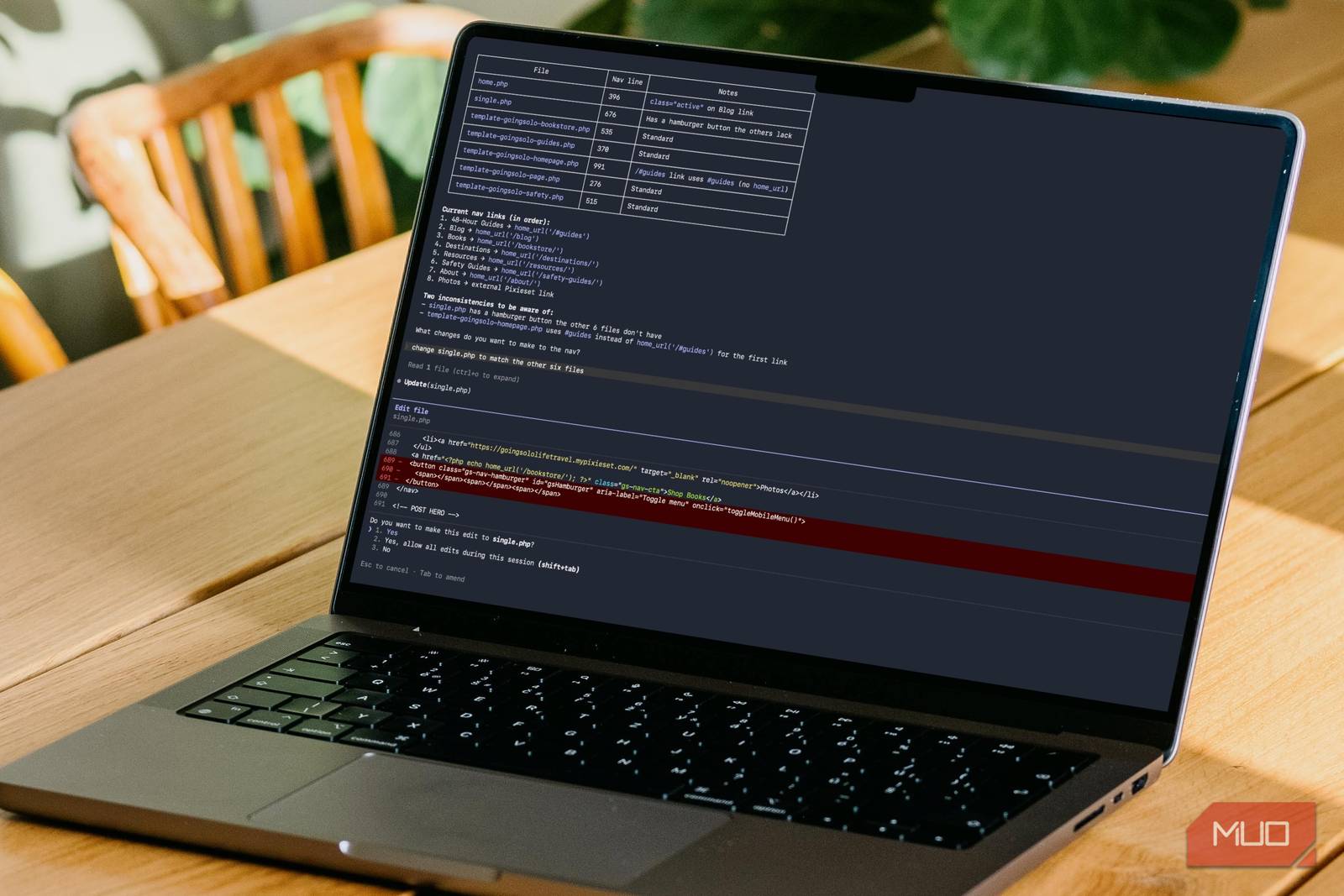
For most people, the terminal isn’t “hard.” It’s high‑stakes: one wrong command and you worry you’ll break something you don’t know how to fix.
Claude Code changes that dynamic by acting less like a chatbot and more like an agentic coding system: it can understand a project, propose a plan, and carry out multi‑file changes. That’s powerful for developers—but it’s also the first time non‑developers can realistically benefit from terminal workflows without memorizing syntax.
The upside is real: faster prototypes, repeatable automations, less tooling friction. The downside is also real: permissions, security, and accountability become the bottleneck.
Key takeaways
- Claude Code is designed to operate across an entire project (not just single commands).
- The best “non‑dev” use is a guardrailed workflow: plan → dry run → review → execute.
- The biggest failure mode is over‑permissioning (letting an agent run as admin with broad access).
- Treat “AI + terminal” like “AI + production access”: logs, least privilege, and checkpoints.
What Claude Code actually is (in plain terms)
Think of Claude Code as a system that can:
1) read and understand a codebase or folder, 2) propose a multi‑step plan, and 3) execute changes across files and commands to complete a task.
That’s a meaningful shift from “copy/paste snippets” to “end‑to‑end task completion.”
Why this matters for business (not just devs)
When terminal workflows get easier, three things happen:
1) More work moves from apps into repeatable scripts (less manual clicking). 2) Ops and analysis become self‑serve for small teams (fewer handoffs). 3) Governance becomes urgent (who is allowed to run what, and when).
If you’re a founder, analyst, or ops lead, the question is not “can we use it?” It’s:
- Which workflows should we allow?
- What data can it touch?
- How do we review outputs before they cause damage?
A safe “non‑developer” workflow template
Use this as a standard operating procedure (SOP):
1) Start with constraints (not tasks)
Tell the agent:
- what it is allowed to read/write (specific folders),
- what it must never do (delete, reset, publish, deploy),
- what must be confirmed by a human (network calls, credentials, production changes).
2) Require a plan before execution
Ask for:
- a numbered plan,
- the exact commands it intends to run,
- and what files it will change.
3) Do a dry run / diff review
For file changes:
- require a diff,
- review it like a pull request,
- then execute.
4) Log everything
Keep:
- a command log,
- a file‑change log,
- and a short “what changed / why” note.
This isn’t bureaucracy—it’s how you prevent “mystery changes” that no one owns.
The new risks (and how to reduce them)
- Command injection / unsafe shell usage: constrain tools and require confirmation for destructive commands.
- Data leakage: do not point the agent at secrets folders, browser profiles, or production credentials.
- Silent drift: schedule periodic “health checks” (does the workflow still do what you think?).
Where this pairs perfectly with a “Second Brain”
If you maintain a folder‑based knowledge base, Claude Code becomes the automation layer that:
- summarizes new docs into your
/inbox/, - normalizes notes into consistent schema,
- and generates weekly “what changed” reports.
That’s how terminal workflows turn into organizational leverage.
Sources and methodology
- Anthropic product page (definition + positioning of Claude Code): https://www.anthropic.com/product/claude-code
- Claude Code security page (controls / security positioning): https://claude.com/claude-code-security
- MakeUseOf (non‑dev “terminal fear” framing): https://www.makeuseof.com/i-was-scared-of-the-terminal-until-i-tried-claude-code/
*Related: Check out our [comprehensive guide to Claude workflows](https://aitrendheadlines.com/free-claude-learning-guides/).*
Leave a Reply